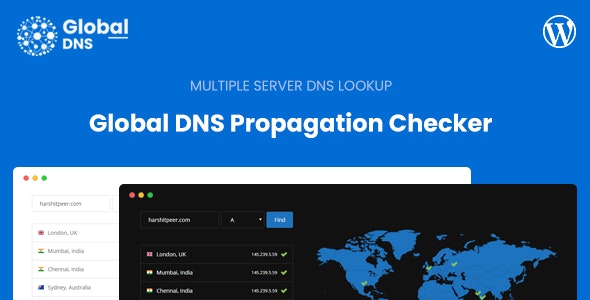
WordPress插件Global DNS是一款多服务器DNS传播检查器WordPress插件,使您可以立即检查多个服务器上的DNS记录。它为终端用户提供关于网站所指向服务器的见解。如果更改了DNS记录,则检查当前的DNS条目也很有帮助。您和您的终端用户可以检查多种DNS记录类型,例如A,MX,NS,CNAME,TXT等,共有10种类型的DNS记录可供检查。
演示地址:https://globaldns-wp.thehp.in/
插件文档:https://support.thehp.in/articles
Global DNS allows you to instantly check the DNS records across multiple servers. It provides an insight to end users on which server website is pointing to. It is also helpful to check the current DNS entries incase the DNS records are changed.
Features
Multiple DNS Record Types
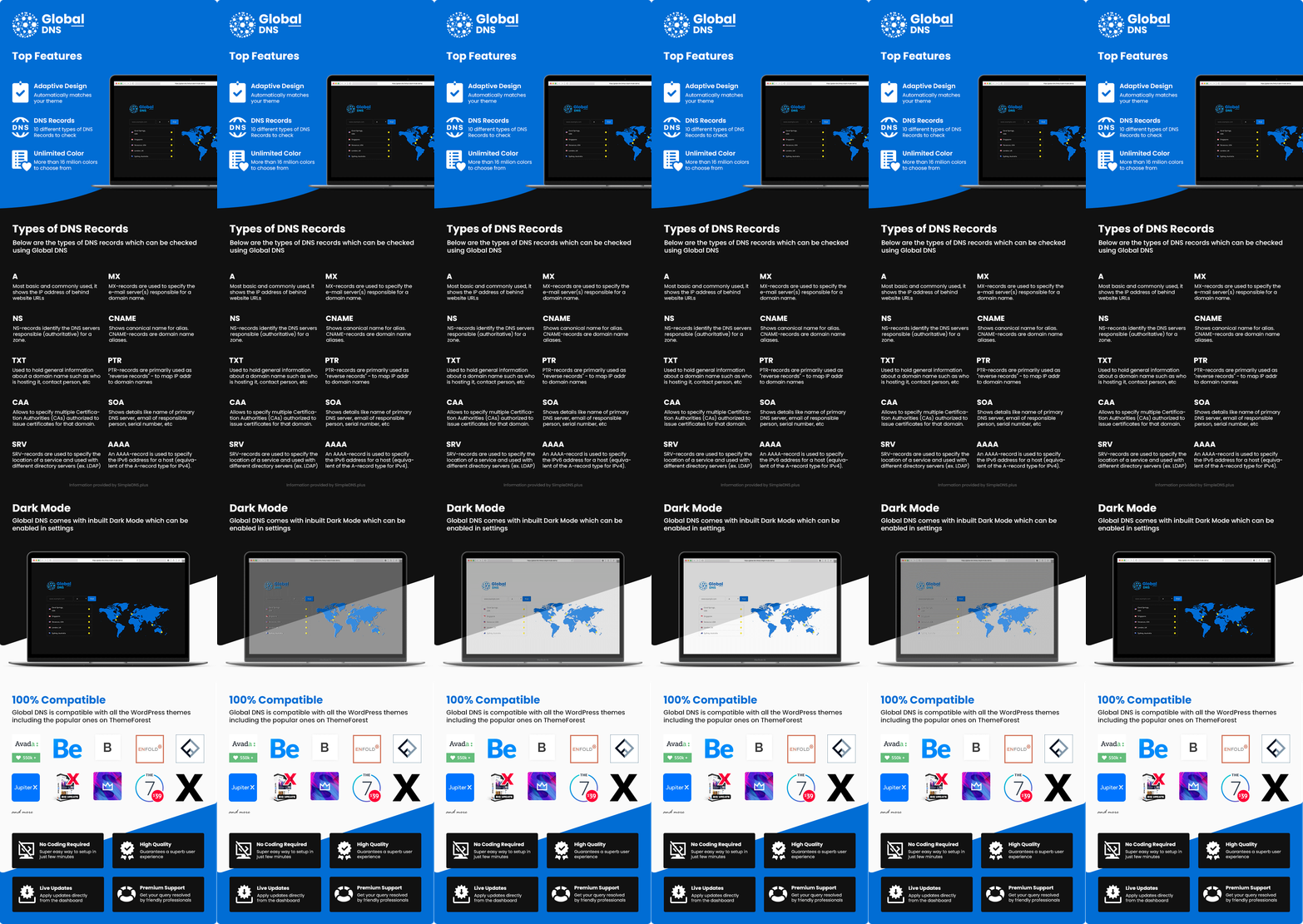
You and your end users can check multiple types of DNS records like A, MX, NS, CNAME, TXT and much more. There are a total of 10 types of DNS records to check.
Multiple Servers
There is no limit on how many servers you can add, more the severs better the stats. You can check this article on how to add and setup server for Global DNS.
Dark Mode
Following current trend, Global DNS also has a Dark Mode. You can enable this from the Admin Dashboard in Global DNS Settings page. Based on which WP Editor you’re using, you also need to set the background colours accordingly.
Requirements
You will need a WordPress website to install this WordPress Plugin. You will also need multiple shared hosting account to act as a server for this plugin.You can also opt for Free Servers at this URL here
From v1.1.0 you can directly use DNS Server IP to fetch the DNS Records, but for that you will need shell_exec function.